


Mobile Gamers
Play battle royale, MOBA, and Gacha titles on keyboard and mouse with higher FPS and zero phone battery drain.
Fastest Android Emulator to Play Mobile Games on PC
Download now FREE
LDPlayer is a free Android gaming emulator for Windows. It uses virtualization to bring Android 5.1, 7.1, and 9 to your PC so you can install games from Google Play or APK files, control them with keyboard and mouse, and run multiple instances for different accounts. LDPlayer is not just an Android simulator: it is a full Android gaming platform built for PC gamers, developers testing apps, and power users who want bigger screens and better performance than a phone.
Published by Xuanzhi International Co., LDPlayer is trusted by game studios and millions of players worldwide. Official positioning: faster processing, higher FPS, up to 100% performance improvement versus other players, with lower CPU and GPU usage. Cloud remote control and previous version builds are also part of the product family.
EXPERIENCE LDPLAYER
Remotely Control LDPlayer Anytime, Anywhere
Faster Processing • Higher FPS • 100% Performance Improvement

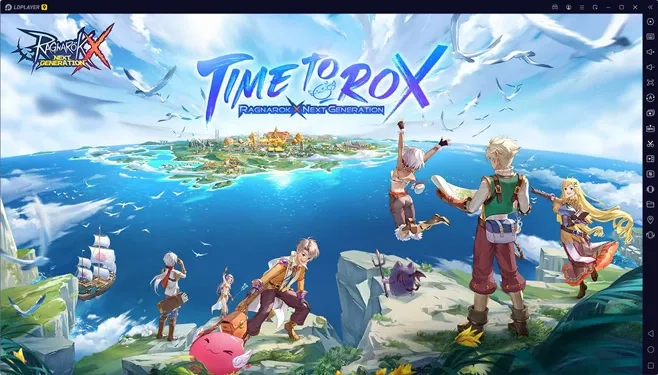
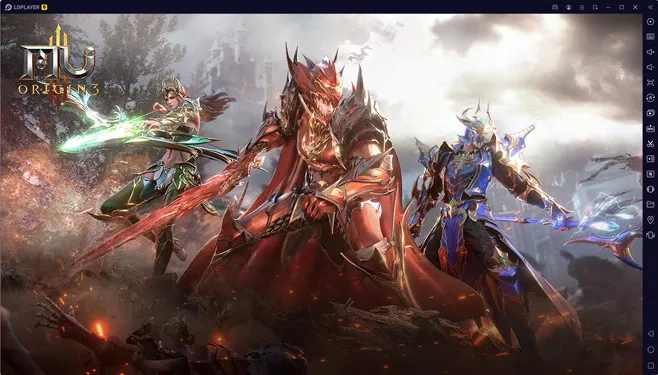
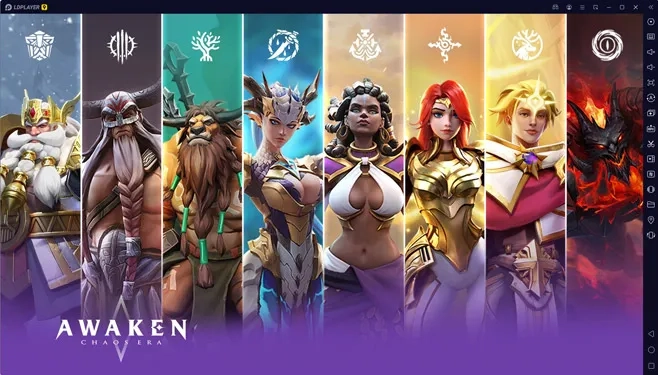
Trusted Emulator with Game Developers
Legal, security, performance, accounts, and troubleshooting. Expand any question for details.
LDPlayer is a free Android emulator for Windows that lets you play mobile games and use Android apps on PC with virtualization. It supports Google Play, APK install, keyboard mapping, and multiple instances.
Yes. Android is open source and emulators are legitimate. You must still follow each game and app terms of service. Some publishers restrict emulator play.
It is optimized for gaming but is a full Android environment for apps, social, and productivity on desktop.
Softonic lists 97/100 security score with VirusTotal clean: virus free, spyware free, malware free. Verify SHA-1 on our download section. See also our trust policy.
Account login is between you and each app provider. LDPlayer does not intercept credentials per official safety statements and third-party scans.
Intel VT or AMD-V lets LDPlayer run with near-native speed. Official docs cite up to 10x improvement. Safe to enable in BIOS.
16 GB RAM, Intel Core i5-10500 or better, NVIDIA GeForce GTX 1660 Ti per Softonic. Use LDPlayer 3 on weaker hardware.
On for WSL/Docker with compatible build. Off for maximum FPS and heavy multi-instance gaming.
Google or Facebook linked games sync when you log in with the same account. Guest data stays in one instance only. Bind guests to a permanent account.
Enable VT, update GPU drivers, free disk space, and check antivirus. Restart LDPlayer after each change. Reinstall only if the issue persists.
No. Windows 7 through 11 only per FileHippo and official platform notes.
Free disk space, close instances cleanly, restore backup in LDMultiplayer, or recreate the instance.
Play battle royale, MOBA, and Gacha titles on keyboard and mouse with higher FPS and zero phone battery drain.
Manage many accounts with LDMultiplayer and Synchronizer. Sort instances, group windows, and automate daily grinds with macros.
Test Android apps on Windows with adjustable CPU, RAM, resolution, root mode, and Hyper-V compatible builds for mixed dev environments.
Preview versus other popular Android emulators on Windows (same category).
| Feature | LDPlayer | Typical alternatives |
|---|---|---|
| Multi-instance sync | Built-in Synchronizer | Varies by product |
| Keyboard mapping | Smart Control, per-game schemes | Available on major emulators |
| Android versions | 5.1, 7.0, 9 across LDPlayer 3/5/9 | Often single version |
| Low-end PC option | LDPlayer 3 lowest RAM use | KoPlayer often cited as light |
| Hyper-V compatible | Dedicated compatibility mode | Varies |
Compared names include BlueStacks App Player, NoxPlayer, and MEmu as commonly listed alternatives.
Softonic 4/5 from 267 reviews. Ultimate solution for mobile gaming on PC with exceptional speed and lightweight design.
Security score 97/100 Clean. VirusTotal scan: virus free, spyware free, malware free.
FileHippo Editors Sept 2025: well-regarded emulator with customizable controls, multi-instance, screen recording, and macro automation.
Pros: automation tools, intelligent key mapping, Google Play access. Cons: demanding on PCs without 16 GB RAM and GTX 1660 Ti for LDPlayer 9.
Community praise for Gacha rerolling, MOBA controls, and stable Play Store. Tips: enable VT, use LDPlayer 3 on low-end hardware.
Softonic 4/5 from 267 reviews. Ultimate solution for mobile gaming on PC with exceptional speed and lightweight design.
Security score 97/100 Clean. VirusTotal scan: virus free, spyware free, malware free.
FileHippo Editors Sept 2025: well-regarded emulator with customizable controls, multi-instance, screen recording, and macro automation.
LDPlayer is legal on PC. Android is open source. This site at LDplayer.org is the official software information hub for LDPlayer on Windows.. Verify SHA-1 checksums on the download page before you install.
Read trust, security, and ethics policyLatest version 9.1.34.0. Trusted program. Developer: Xuanzhi International Co.
Go to Download Page